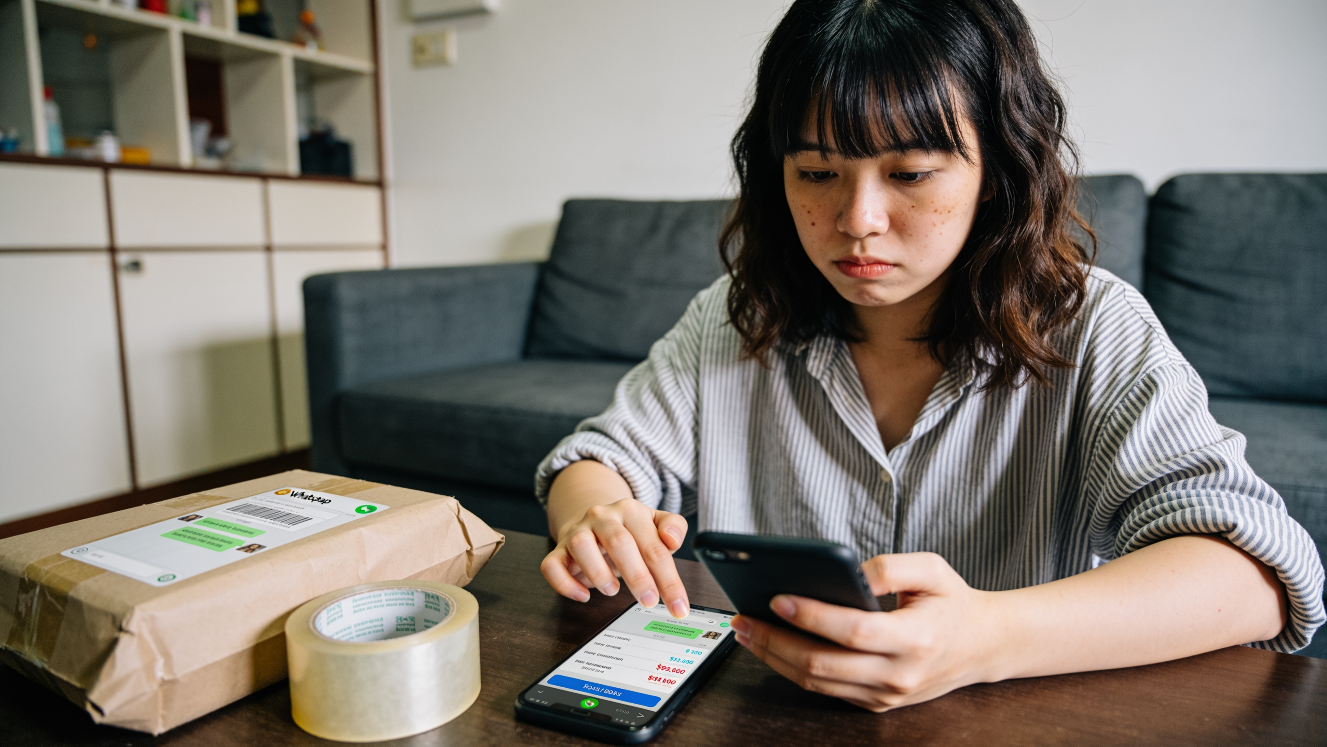
In early 2026, Singapore police issued an advisory about fake cruise packages that required PayNow payments. Victims saw these packages on Facebook, then chatted with the scammers on WhatsApp, and paid through PayNow QR codes. At least $53,000 was lost in this scam by 40 victims.
This begs the question, is PayNow safe?
Yes, PayNow itself is safe. Nobody broke into those victims’ bank accounts. What happened was that the victims were tricked into sending the money themselves, voluntarily. And because a PayNow transfer can’t be reversed or cancelled, the risk falls on whoever pays first.
Is PayNow Safe? How Your Money Actually Moves
PayNow runs on FAST, the interbank transfer system. According to ABS, 27 banks and 6 major payment institutions take part, it’s free for retail customers, and it works 24/7.
A PayNow address is just a mobile number, NRIC/FIN, UEN or virtual payment address. It points at a real bank or e-wallet account, and before you confirm, your banking app shows you the registered name behind it. ABS’s advice is simple: always verify that the recipient’s name is correct before confirming the transfer.
That name check is the main protection PayNow gives you. It’s also why the nickname feature was switched off on 6 June 2026. The SPF’s mid-year brief says it was dropped to prevent scammers from exploiting the nickname feature to masquerade as legitimate individuals or organisations. We covered what that changed for sellers in PayNow nicknames have gone away.
Does your bank protect your PayNow transactions?
MAS’s E-Payments User Protection Guidelines only protect you against unauthorised transactions, meaning money moved out of your account without your knowledge or consent.
But that doesn’t cover a payment you that you are aware of and intended to make, even if it was from a scammer. So if you scanned the QR code and pressed confirm, that’s an authorised transaction, even if the seller turned out to be fake.
The Shared Responsibility Framework, in force since 16 December 2024, doesn’t change this. It covers phishing, where a scammer impersonates a bank or government agency and you type your banking credentials into a fake website. It doesn’t cover a transfer you chose to make.
| Your bank protects you if | Your bank does not protect you if |
|---|---|
| Someone moves money out of your account without your consent | You pay a seller who never delivers |
| You enter your login on a fake bank website after a phishing message | You pay a “deposit” on a pre-order that never arrives |
As a seller, your bank also does not protect you if you shipped out a product against a payment that never appeared in your bank account. This can happen if the seller showed you a fake screenshot of a PayNow transaction.
The 2026 Scam Numbers
In the first half of 2026 there were 16,821 scam cases and S$410.6 million lost, both down on 2025. In 80.8% of those cases, the victims made the transfer themselves. As the SPF puts it, scammers manipulated victims into making monetary transactions through deception and social engineering.
E-commerce scams had more cases than any other scam type: 3,865, up 19.3%, with about S$8.3 million lost. Carousell and Telegram were where scammers most often found their victims. Pokémon trading cards were the top item, with 605 cases, and many of those were “pre-orders” where the buyer paid a deposit for delivery months later.
For the scams aimed at sellers, like fake refund requests and “certificate expiring” messages, see our list of 8 dangerous PayNow scams.
If You’re Buying: Your Money Is Gone Once You Pay
Check the name before you confirm. If you’re buying from “Scrumptious Cakes” and the app shows an individual’s name you don’t recognise, stop and ask. A business registered with a UEN shows its business name instead.
Pay a stranger via the platform, not by PayNow. The SPF brief recommends marketplaces with secure in-platform payment mechanisms that release funds only after delivery is confirmed. That’s escrow, and PayNow doesn’t have it. When you’re buying from someone you can’t verify, the platform’s checkout protects you better. When you’re paying a shop or seller you already know, PayNow is fine.
Be careful with deposits for pre-orders. The Pokémon and K-pop cases in the SPF brief followed the same pattern: pay now, delivery “months away”, and you find out when nothing arrives.
Don’t scan QR codes sent to you in chat by a seller you don’t know. That’s straight from ScamShield’s e-commerce advice. The cruise scam above ran on exactly that.
Look at a printed QR code before you scan it. The CSA and SPF joint advisory warns about QR code swaps, where a business’s code is tampered with to redirect payments. Its advice is to avoid a code that looks pasted over, and to check the amount and recipient name before confirming.
If You’re Selling: A Screenshot Is Not Payment
Sellers get scammed too. The SPF brief describes victims who did not receive payment after delivering the goods or services to scammers pretending to be buyers, sometimes with fake screenshots as “proof of payment”.
Check your bank app before anything ships. ScamShield’s advice for sellers is to verify that payment has been received before delivering any goods or services. Your banking app’s transaction history is the only proof. We cover the habit of matching every payment in 7 PayNow mistakes that cost businesses money.
Take payment to a UEN. When a buyer scans a UEN PayNow code, they see your registered business name, not your personal name. It looks legitimate to them, and the name matches the shop they think they’re paying. If you’re still on your mobile number, here’s what a UEN PayNow QR is and how to get one, and what customers see when they scan a mobile-number QR.
Send a fixed amount with a reference. A QR code from our PayNow QR generator carries the amount and the order reference, and the customer can’t edit either. So the payment lands as $48.00 against order 1031, which is easy to match. For WhatsApp orders, a WhatsApp PayNow link does the same thing in one tap. For larger orders, use the invoice generator.
Check your stall’s QR code. If you put a printed code on a counter at a market or pop-up, look at it at the start of each day. A sticker pasted over it is the swap the CSA advisory describes, and your customers are paying someone else.
If you sell online, our WooCommerce plugin puts a fixed-amount QR with the order number on the checkout page. You then confirm the payment in your bank app before marking the order paid. The condominium fraud case shows why payments should go to a business account and not a personal one.
PayNow vs Card: Who Carries the Risk
Card payments give the buyer a way back. Under the card schemes’ dispute rules, the buyer’s bank can reverse a charge against the merchant, including for non-delivery, if the buyer shows the agreed delivery date and that they told the merchant. PayNow has no equivalent.
| Question | PayNow | Credit or debit card |
|---|---|---|
| Can the buyer reverse it through their bank if goods don’t arrive? | No, it counts as an authorised transaction | Yes, through a chargeback |
| How long a dispute takes | No dispute process | About 4 to 12 weeks (ABS) |
| When the seller’s money is final | When it lands in the account | It can still be reversed by a chargeback |
| Main risk for the buyer | Paying a fake seller | Having to prove non-delivery to the bank |
| Main risk for the seller | Shipping against a fake screenshot | A chargeback after the goods have gone |
So PayNow suits sellers well: the money that lands is final, which is part of why selling with zero payment fees is possible. For buyers, it’s safe when you know who you’re paying, and a bad idea when you don’t.
If a payment went to the wrong person by mistake, that’s a different problem, and we cover it in common reasons for “PayNow rejected”.
A Quick Checklist
Buying:
- The name in your banking app matches who you think you’re paying.
- You’re buying from a stranger? Use the platform’s checkout, not PayNow.
- No QR codes from sellers you don’t know in chat, and no big deposits for goods months away.
Selling:
- The money is in your bank app before the goods go out. Screenshots don’t count.
- Your QR code is on a UEN, with a fixed amount and a reference.
- Printed codes get checked daily.
PayNow itself is safe. The problems start when someone pays a person they can’t verify.